
RGB LED
By default the heartbeat LED flashes in blue colour once every 4s to signal that the system is alive. This can be overridden through the F1 Starter Kit command.
initialization: the module will be initialized once it is imported. After its
initialization, it can be deinitialized by calling rgbled.deinit() and to
initialize it again use rgbled.initialize().
rgbled.color()
rgbled.color() sets the LED color continuously. The color follows the hex
formatting xxRRGGBB, in which RR, GG and BB represent the red,
green and blue components of the color respectively and xx is a don’t care
value.
import rgbled

rgbled.heartbeat(False)      # stop the heartbeat service
rgbled.color(0x00FF0000)     # sets the LED color to red
rgbled.color(0x0000FF00)     # sets the LED color to green
rgbled.color(0x000000FF)     # sets the LED color to blue
rgbled.color(0x00FFFF00)     # sets the LED color to yellow
rgbled.heartbeat()
rgbled.heartbeat() starts the heartbeat blinking service. It has three
signatures:
rgbled.heartbeat()— check the current status of the heartbeat service, returnsTrueorFalse.rgbled.heartbeat(<enable>)— enable or disable the service.rgbled.heartbeat(<color>, <cycle-time>, <blink-percentage>)— set new configuration for the service and start or restart it.
Arguments:
<enable>— boolean value to enable or disable the service.<color>— color value, same asrgbled.color().<cycle-time>— total period of the duty-cycle (light on + light off).<blink-percentage>— percentage (0 < p < 100) where the light is on.
import rgbled

rgbled.heartbeat()                        # check status → False
rgbled.heartbeat(True)                    # start with default configs
rgbled.heartbeat()                        # check status → True

# blue color blinking for ~200 ms each second
rgbled.heartbeat(0x000000FF, 1000, 20)

rgbled.heartbeat(False)                   # stop the heartbeat service

# red color blinking for ~10 ms each 50 ms (very fast)
rgbled.heartbeat(0x00FF0000, 50, 20)

rgbled.heartbeat(True)                    # restart with latest config
rgbled.decoration()
rgbled.decoration() provides a fancy way of doing decorative light blinking
by specifying a sequence of blinking descriptors.
Syntax:
rgbled.decoration(<blink-desc-list>, <repeat>)
Where:
<blink-desc-list>— list of four-element tuples describing a time window of blinking.Each tuple:
(<color-value>, <duty-period>, <light-on-percent>, <loop-count>)
#  ___ 50 ___         ___ 50 ___           __________ __________
# | G |__| G |_______| B |__| B |_________|    R     |     Y    |
# |--------2 Sec-----|--------2 Sec-------|- 0.5 sec-|- 0.5 sec-|

import rgbled

rgbled.decoration([
    (0x00001100, 100, 50, 2),    # two green pulses
    (0, 2000 - 200, 0, 1),       # light off between G and B
    (0x00000011, 100, 50, 2),    # two blue pulses
    (0, 2000 - 200, 0, 1),       # light off after B pulses
    (0x00110000, 500, 100, 1),   # red period
    (0x00111100, 500, 100, 1),   # yellow period
    (0, 1000, 0, 1)              # light off before repeating
], True)                         # repeat the whole sequence
Here is the expected result:
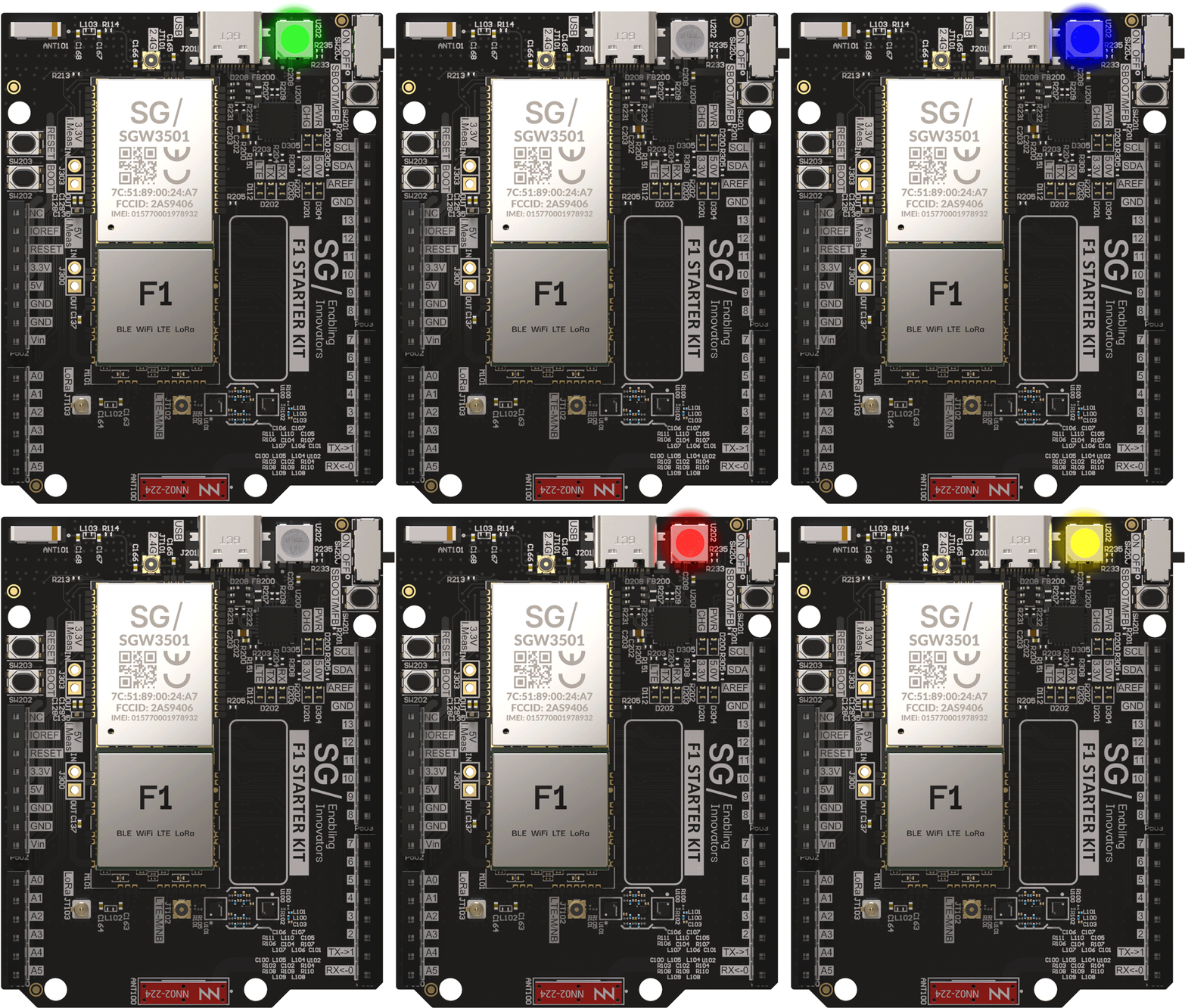
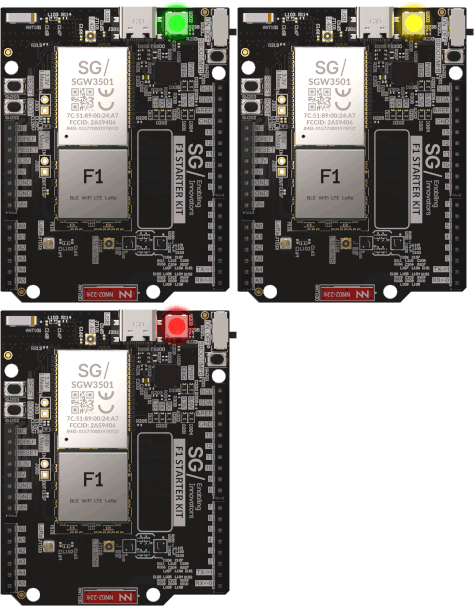
rgbled._color
rgbled._color is a class carrying the basic color definitions. It can be used
directly in place of the color value:
import rgbled

rgbled.color(rgbled._color.RED)
rgbled.color(rgbled._color.GREEN)
rgbled.color(rgbled._color.BLUE)
rgbled.color(rgbled._color.YELLOW)
rgbled.color(rgbled._color.MAGENTA)
rgbled.color(rgbled._color.CYAN)
rgbled.color(rgbled._color.WHITE)