
Webhook
Whenever one of your integrated devices sends a signal to Ctrl, we perform an
HTTP request defined by the user. You can use some presets (DEVICE_TOKEN,
USER_ID, etc.), which will act like placeholders and will be dynamically
replaced at the moment of performing the request with the relative content.
Setting up your integration
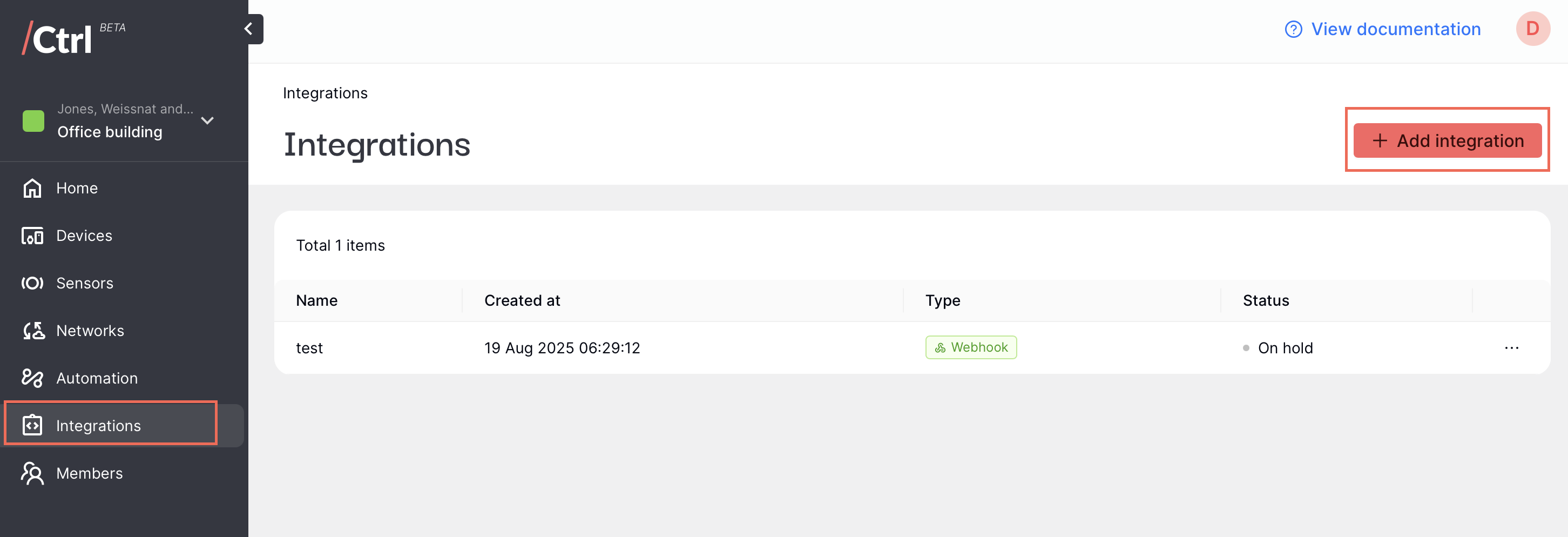
Click Integrations on the side menu, then click “Add integration” on the top right corner.
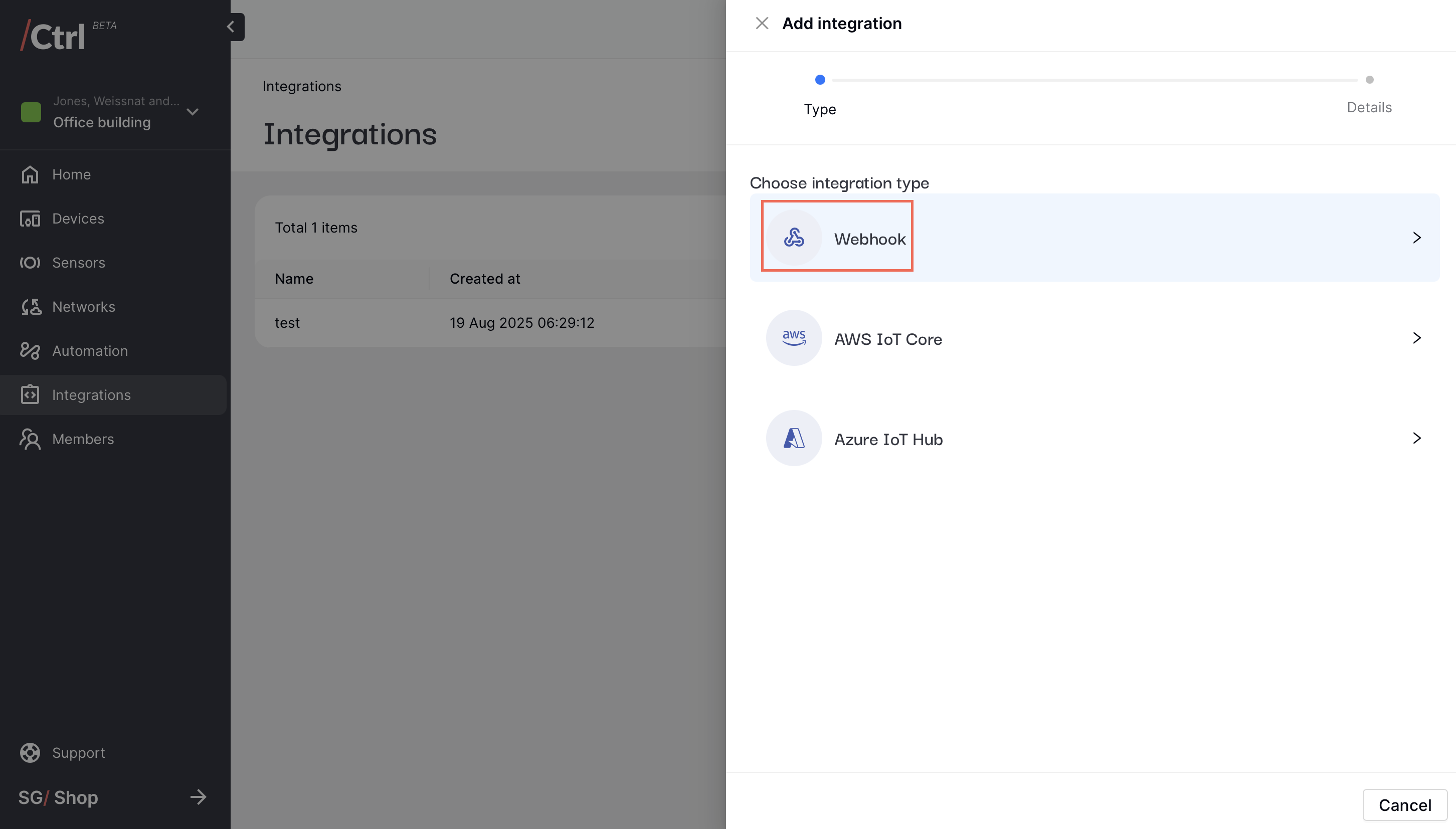
Select Webhook as the integration type.
Input a friendly name to identify the webhook integration and the webhook URL where the payloads will be sent to. Additionally, you can configure your custom HTTP headers.
Note
For testing, you can use the URL generated from https://webhook.site/.
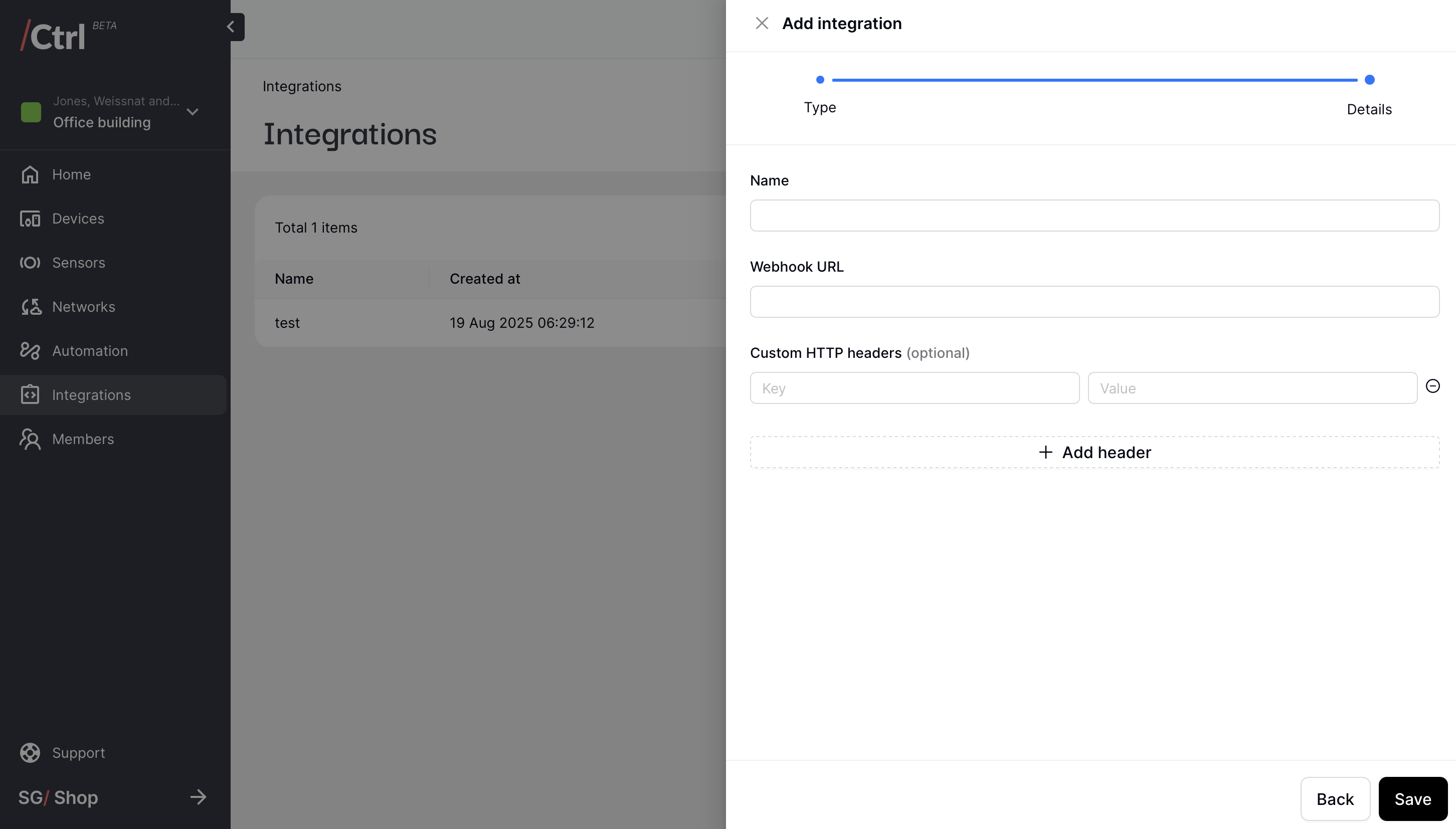
Click “Save” when you are done. You should be able to see the incoming Ctrl telemetry data on your destination system.