Creating Custom Projects
The VS CtrlR Plugin enables the F1 Starter Kit to work with third-party sensors to create custom projects on the Ctrl Cloud Platform.
Creating a data upload project in CtrlR
In a known destination on your computer, create a new project folder called Ctrl_signals.
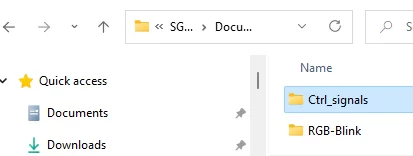
Launch VS Code and open the Ctrl_signals project folder you created.
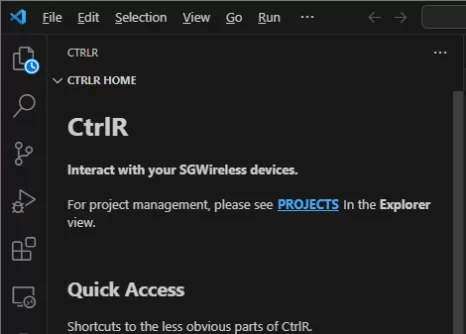
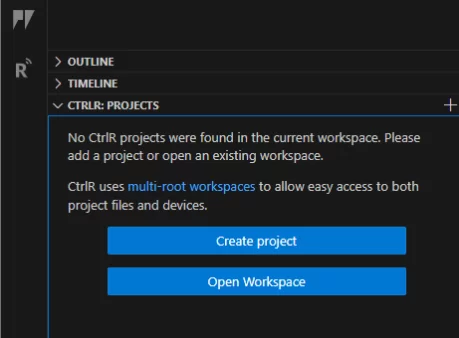
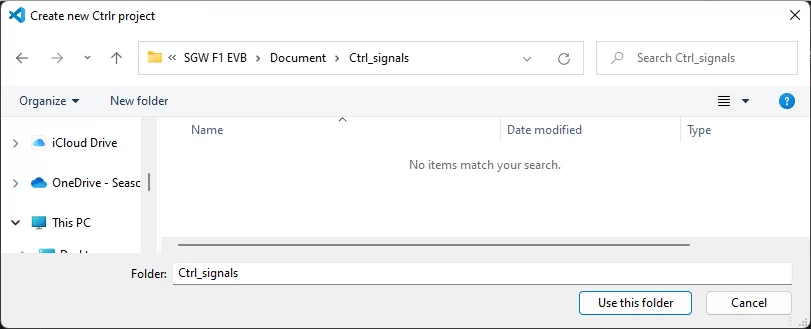
Modify the built-in python file main.py by adding the code below.
The
main.pyscript runs directly afterboot.pyand should contain the main code to run on the F1 Starter Kit. The modification will program the F1 Starter Kit for data upload.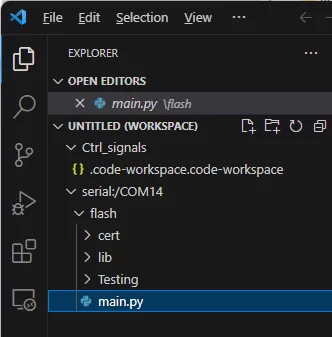
# Import what is necessary to create a thread
import time
import math

# Send data continuously to Ctrl
while True:
    for i in range(0, 20):
        ctrl.send_signal(1, math.sin(i / 10 * math.pi))  # use signal #1
        print('sent signal {}'.format(i))
        time.sleep(10)
To test the code, use File > Save or Ctrl+S on your keyboard to save your edit to
main.py, and press the Reset button on the F1 Starter Kit to reboot it.main.pywill persist and run on the F1 Starter Kit when it is booted up. To stop the script, click onto the CtrlR terminal and press Ctrl+C on your keyboard.
Visualizing data on Ctrl
Back in your Ctrl account, navigate to Devices and select your connected F1 Starter Kit.
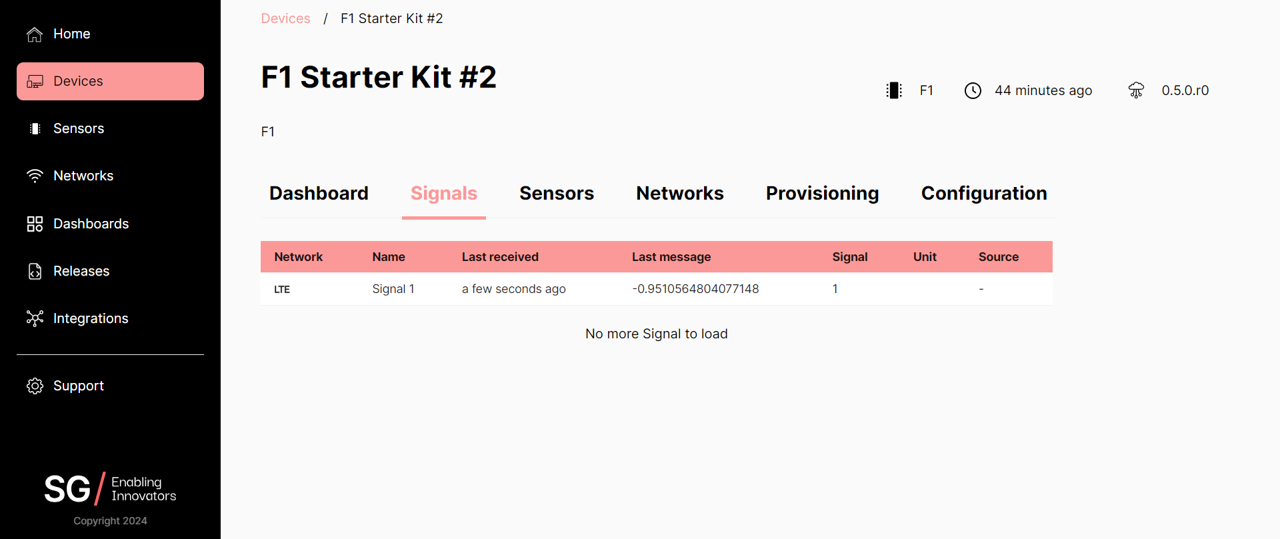
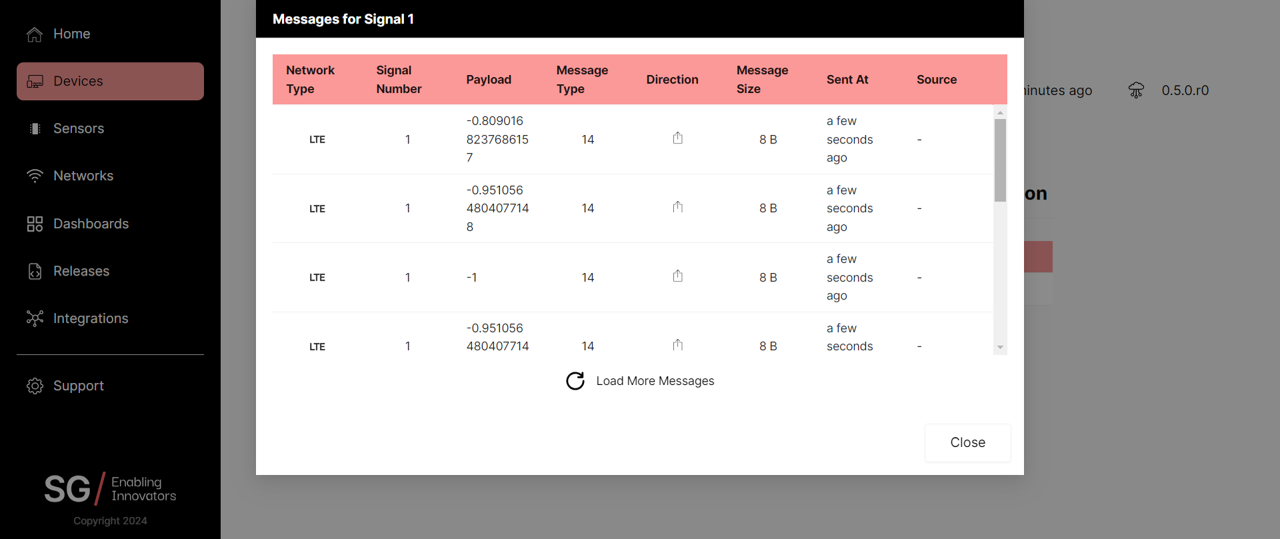
Navigate to Signals to see the last signal received by the F1 Starter Kit. Click on the signal to display historical messages.