
Programming with CtrlR
This guide shows how to run codes on SG Wireless devices through CtrlR.
Sending Commands Through Visual Studio Terminal
F1 smart module pre-installed MicroPython as operating system (OS), which equips with REPL. REPL stands for Read-Eval-Print Loop which is an Interactive Interpreter Mode that allows you to input code, execute it, and immediately see the results.
Using the CtrlR Plugin, click the left-most icon on your device to invoke the terminal:
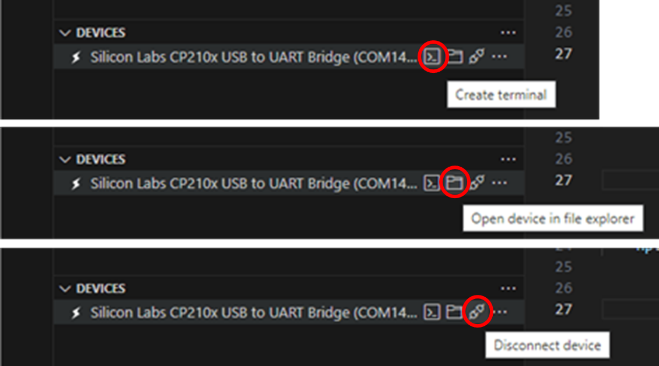
There should be a blank screen with a flashing cursor. Press Enter and a MicroPython prompt should appear, i.e. >>>.

Let’s make sure it is working with the obligatory test (you don’t need to type the >>> symbol):
print("Hello F1!")
Once you type the code above, then press Enter and the following output should appear on screen:
Hello F1!
Note that this command will only be executed once. It will not be stored anywhere on your device.
Creating a project in CtrlR
A project is simply a folder containing your application code (typically main.py) and optional supporting files.
In a known destination on your computer, create a new project folder called RGB-Blink.
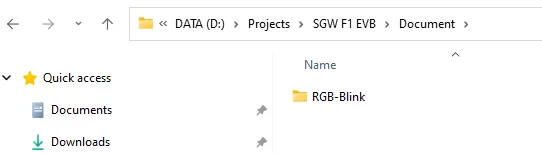
Launch VS Code and open the RGB-Blink project folder you created.
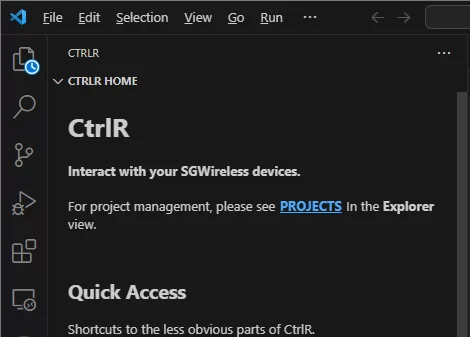
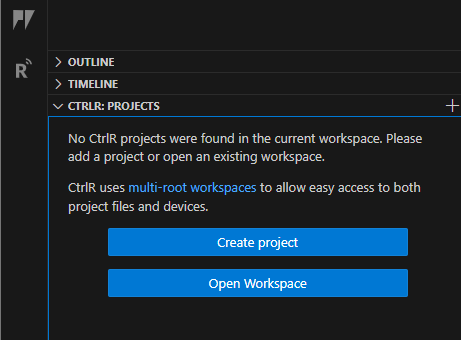
Create a new file called
main.pyand add your code. You can use the following code as an example: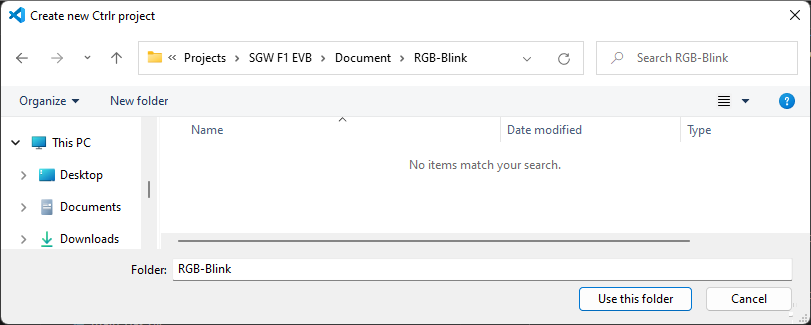
import time

colours = [0xff0000, 0x00ff00, 0x0000ff]  # Red, Green, Blue

while True:
    for colour in colours:
        rgbled.color(colour)
        time.sleep(1)
Running code on F1 Starter Kit before uploading
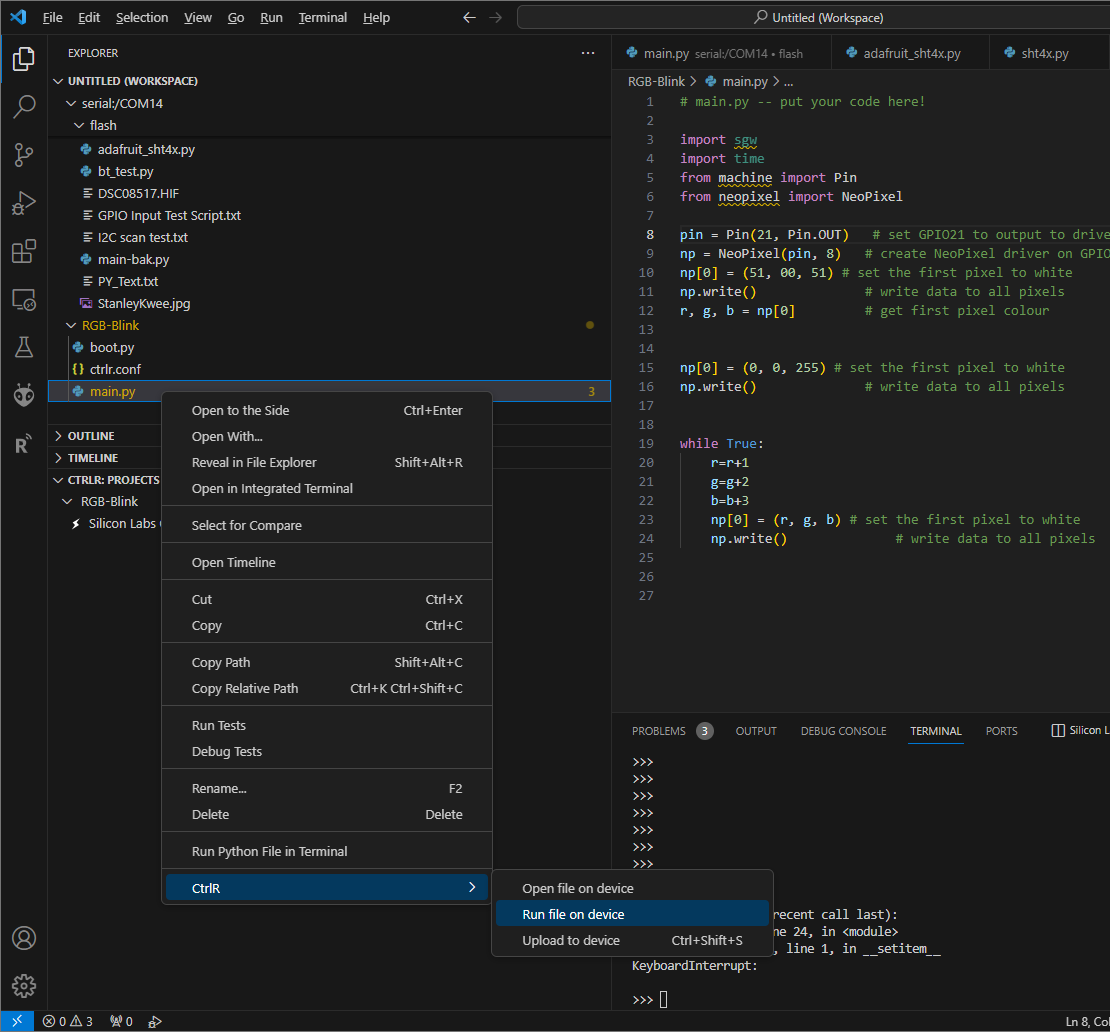
This action sends the script to the F1 Starter Kit and runs it immediately. The script is not stored on the device and will not persist after a reboot. This is useful for testing.
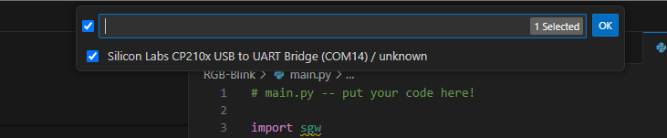
You should see that that on-board LED now blink in red, green and blue indefinitely.
Due to the infinite While-loop implemented on the script, it will run forever. Click onto the CtrlR terminal, and press ctrl-c on your keyboard to stop the script.
Uploading code to your F1 Starter Kit
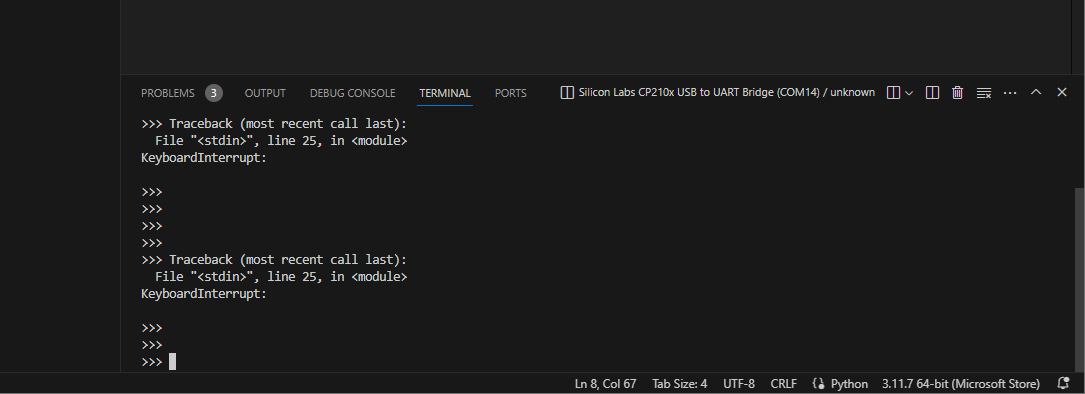
This option uploads the script to the F1 Starter Kit’s file system. The script will persist and run on boot. Use this when your code is ready for deployment.